


Let's get to know each other? How are you doing?
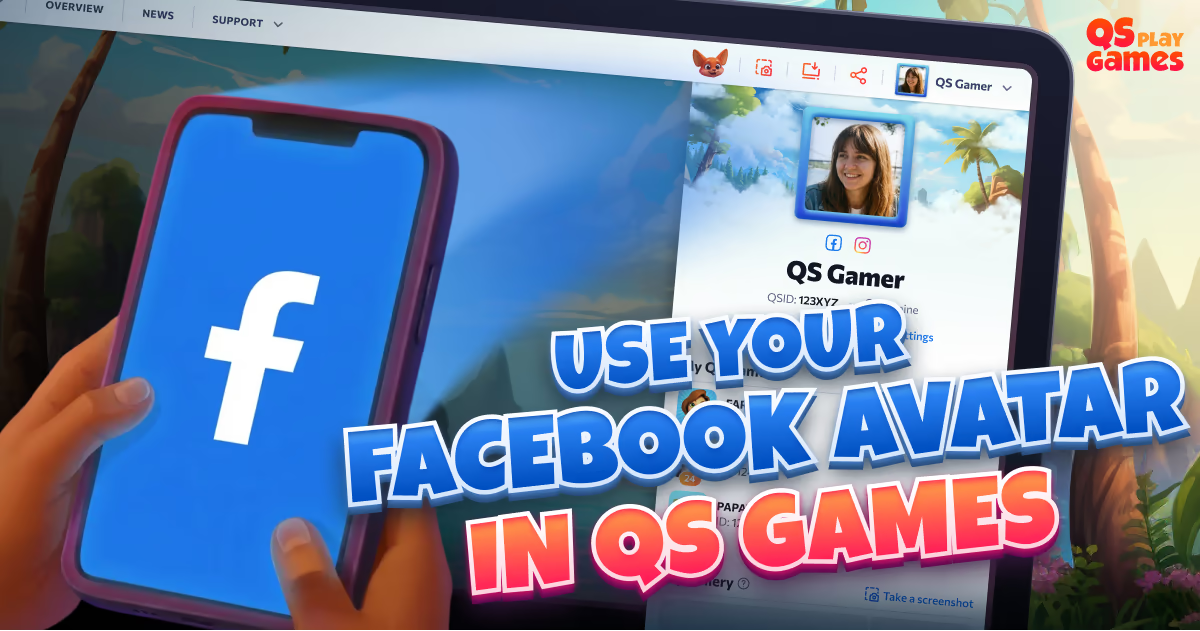


✨ Use Your Facebook Avatar on QS Games portal! ✨
We’re excited to introduce a new customization option for your QS Games profile!
From now on, players who log in using their Facebook ID can choose to use their Facebook profile picture as their avatar on the QS Games portal.
It’s a quick and easy way to personalize your profile and make your gaming experience feel even more like home. 💛
How it works:
🔹 Log in to the portal using Facebook ID
🔹 Go to your profile
🔹 Click on "Profile settings" or just on current avatar
🔹 Select your Facebook avatar from the list on the left
🔹 Save changes! Your Facebook profile picture will appear as your QS Games avatar 🎉
This feature is available exclusively for players logged in via Facebook for security and privacy reasons.
🔄 Note:
🔸 To start using this feature, please log out and log in again using your Facebook account. This ensures proper permission syncing and enables access to your Facebook avatar.
🔸 Your Facebook avatar is used only on the QS Games portal and does not appear inside the games. In‑game avatars remain unchanged.


Comment
Login to leave a comment