


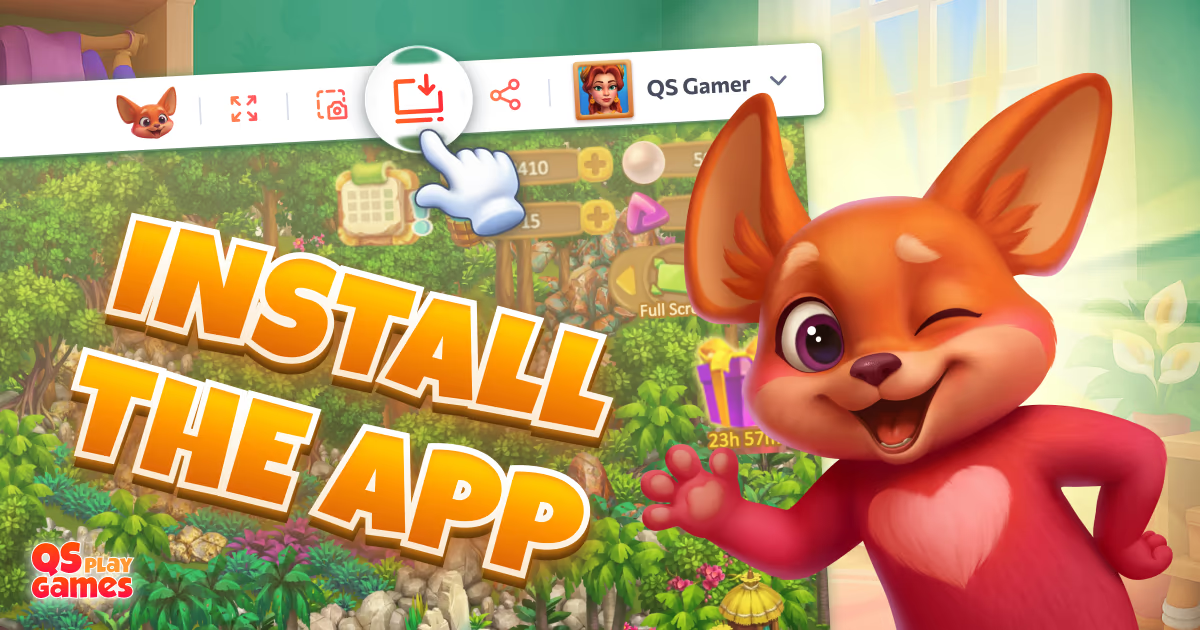

All about Installing the app
👋 Hey there, adventurer!
It’s me — Quarty, your mentor in the world of quests!
You’ve probably seen the task "Install app" — let me explain what it means and why it’s worth doing.
📲 What is it?
When you click "Install app", the game gets installed on your device like a regular app. It will appear on your home screen — no need to open a browser or type in the website address.
🧠 Why is it useful?
- ⚡ Quick access — launch the game with a single tap.
- 🧭 No distractions — no browser tabs or extra clutter.
- 📱 Feels like a real app — but installs directly from the site, no app store needed.
❓ Frequently Asked Questions
- 🔍 “I don’t see the Install icon in my game”
That usually means the app is already installed! Try checking your home screen or app list — it might be waiting for you there.
If you're using the Firefox browser, the "Install the app" option is unfortunately not available there.
- 🌐 “Can I still play in the browser later?”
Absolutely! You can switch between the app and browser anytime — your progress stays with you.
- 🧩 “Am I then at the same level or do I have to start from the beginning?”
No worries — you’ll continue exactly from where you left off before installing the app. Nothing gets lost!
It’s like having a magic portal to the game right at your fingertips. You’ll get back to your adventures faster — and I’ll be here to guide you every step of the way 💬
Have you already completed this task?


Comment
Login to leave a comment